Meow Captions - Auto-color keywords in After Effects subtitles
A downloadable plugin
If you've ever had to go through 50+ subtitle layers in After Effects, manually selecting words and changing their fill color one by one — yeah, it sucks.
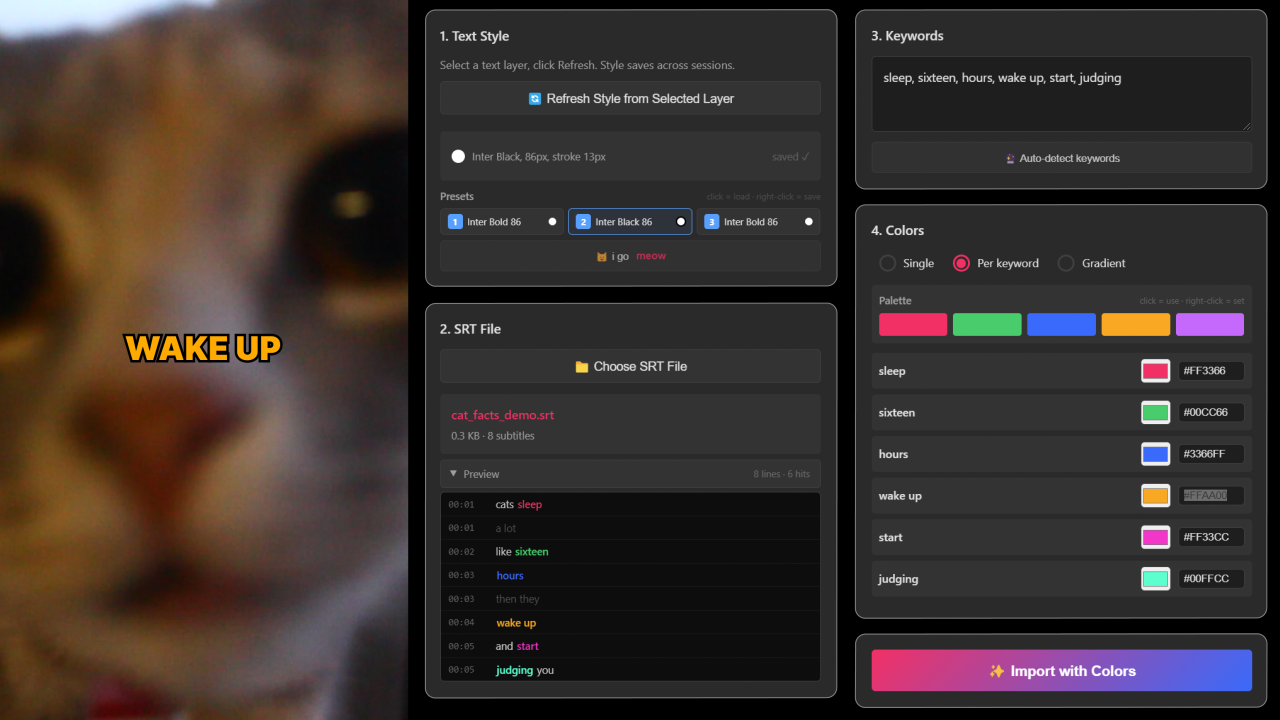
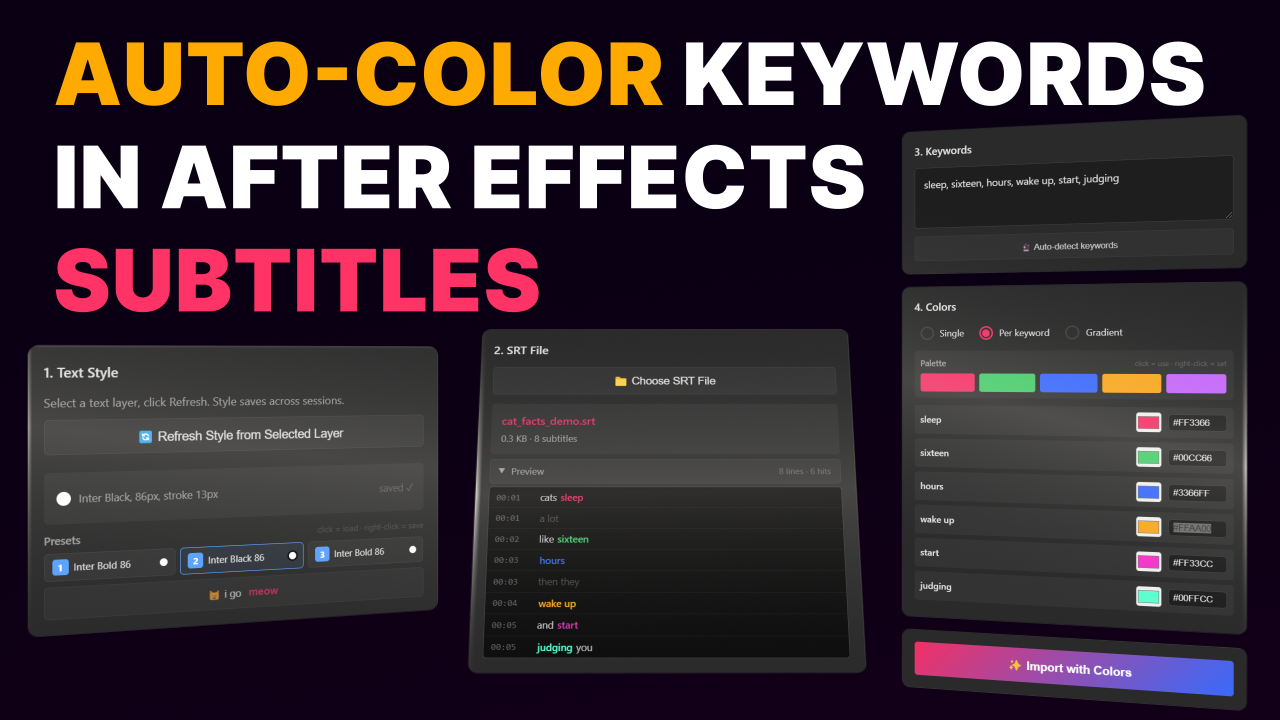
I kept doing this for my own projects until I finally got annoyed enough to build a tool. Meow Captions reads your SRT file, takes the keywords you give it, and colors them automatically using Text Animators. The whole thing takes about 10 seconds.
Load your SRT, type the words, pick your colors, hit import. That's it.
FEATURES
- 3 color modes: single color, per-keyword, or gradient across keywords.
- 5-color palette with one-click apply and right-click to edit. Saved between sessions.
- Auto-detect button — scans your subtitles and picks important words by frequency. Works in EN, DE, ES, FR, RU.
- Live SRT preview panel — see colored keywords before importing anything.
- 3 text style presets — save font, size, fill, stroke, stroke width, everything. Switch in one click.
- Case-sensitive and whole-word matching. "go" won't highlight "going".
- Layer naming options: auto-number, by text content, or by timecode.
- All settings, colors, keywords, and palette are remembered between sessions.
WHAT'S INCLUDED
- Meow Captions CEP panel (ZIP, ~50 KB)
- Step-by-step install guide
- Sample SRT file for testing
HOW TO INSTALL
- Unzip the file.
- Copy "Meow Captions" folder to: Windows — C:\Users\YOU\AppData\Roaming\Adobe\CEP\extensions macOS — ~/Library/Application Support/Adobe/CEP/extensions/
- Restart After Effects.
- Window > Extensions > Meow Captions.
- If the panel doesn't show up, enable unsigned extensions (see INSTALLATION_GUIDE.md).
REQUIREMENTS
- Adobe After Effects 2023 or later (v23.0+)
- Windows 10/11 or macOS 10.14+
I also run a small cat shelter at home ;)
If you run into any issues or have feature requests, hit me up: https://x.com/SinopskySpace
Download
Leave a comment
Log in with itch.io to leave a comment.